
Download the McLuck App for Android & iOS and Claim Your Bonus
The McLuck app puts a full social casino and sportsbook experience directly on your phone. New players receive a welcome bonus of GC 7,500 + FREE SC 2.5 simply for signing up. Download the app now and start playing slots, table games, and sports markets from anywhere in the US.
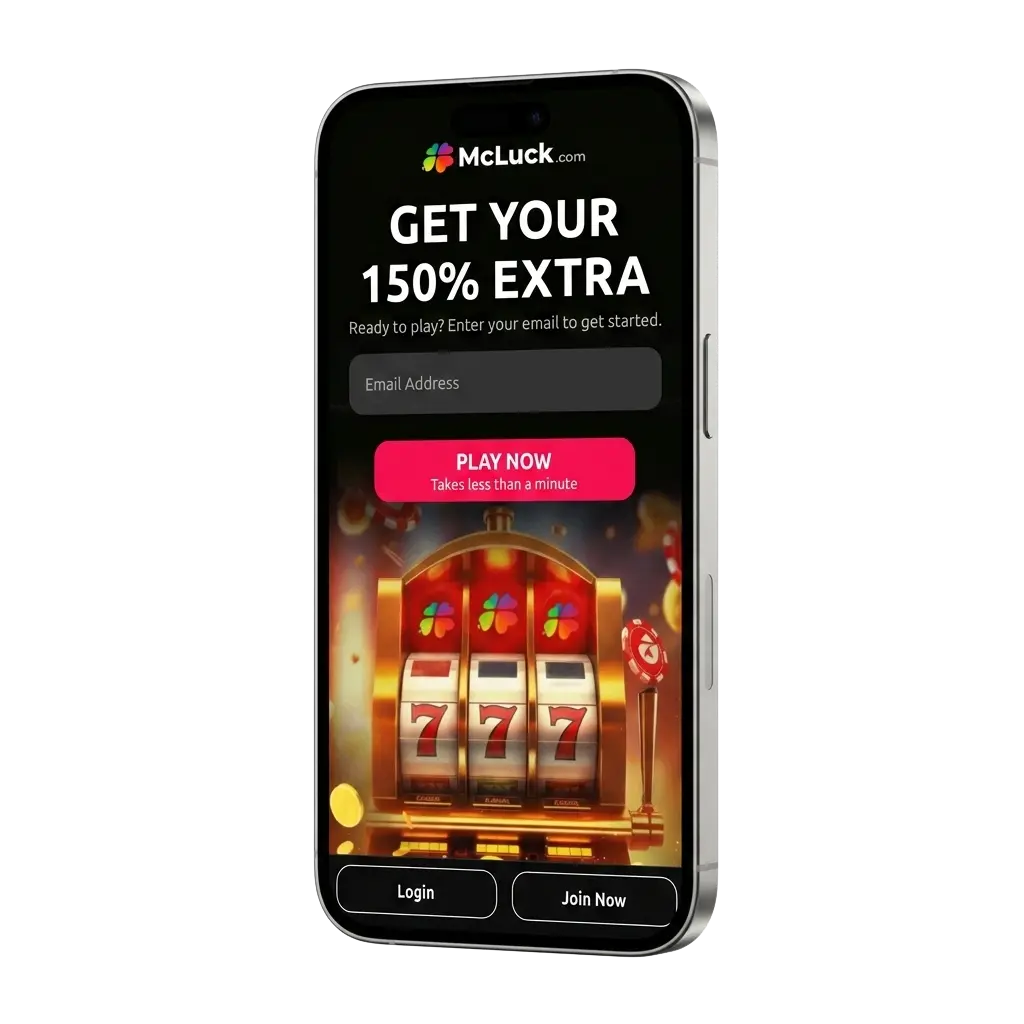
McLuck App Overview
McLuck is a social casino and sportsbook platform built specifically for US players. The app delivers casino games and sports betting markets through a mobile experience optimized for both Android and iOS devices. The table below covers every key detail you need before downloading.
| Detail | Info |
|---|---|
| App Category | Social Casino and Sportsbook |
| License | Operated under US sweepstakes law; available in 49 US states |
| Supported OS | Android 8.0+, iOS 16.0+ (via PWA) |
| Latest Version | Current APK version available via McLuck website |
| Release Date | 2023 |
| Cost of Download | Free |
| App Languages | English |
| Supported Countries | United States (49 states; excludes Washington) |
| Welcome Bonus – Casino | GC 7,500 + FREE SC 2.5 |
| Welcome Bonus – Sports | GC 7,500 + FREE SC 2.5 |
| Bet Types | Moneyline, Spread, Totals, Parlays, Props, Live Betting |
| Customer Support | 24/7 live chat and email support |
Interface of the McLuck App
The McLuck app features a dark-themed interface with intuitive tab navigation, giving you instant access to casino games, sportsbook markets, promotions, and your account balance. Every screen is optimized for portrait mode, with touch-friendly controls and fast-loading visuals across both Android and iOS devices.
McLuck APK Overview
The McLuck APK is the direct Android install file distributed through the official McLuck website. It bypasses the Google Play Store, which means you get a full-featured social casino and sportsbook app without platform restrictions. The APK is free to download and requires no purchase to install. Android users running version 8.0 or higher can install it in under two minutes. The table below covers every relevant technical detail for the current APK release.
| Detail | Info |
|---|---|
| App Title | McLuck |
| App Category | Social Casino and Sportsbook |
| Download Link | Available via the McLuck website |
| Developer Name | McLuck |
| OS Compatibility | Android |
| Minimum Android Version | Android 8.0 |
| Required Android Version | Android 8.0 or higher |
| Cost | Free |
Download the McLuck APK for Android in 3 Steps
Step 1: Tap the Download Button
Locate the “Download App” button on this page and tap it. Your browser will direct you to the APK download prompt. Make sure your Android device has “Install from Unknown Sources” enabled in your security settings before proceeding.
Step 2: Download the McLuck APK
Once prompted, confirm the download and wait for the APK file to save to your device’s storage.
Step 3: Install the App
Open the downloaded APK file, tap Install, and launch McLuck once installation is complete.
System Requirements for Android
Before installing the McLuck APK, confirm your Android device meets the minimum technical requirements listed below. Devices running Android 8.0 or higher with at least 2 GB of RAM will run the app without performance issues.
| Requirement | Minimum Spec |
|---|---|
| Operating System | Android 8.0 (Oreo) or higher |
| RAM | 2 GB minimum |
| Storage Space | 100 MB free storage recommended |
Supported Android Devices for the McLuck APK
The McLuck APK is compatible with the vast majority of Android smartphones available in the US today. Any device running Android 8.0 or higher and carrying at least 2 GB of RAM will support the full app experience. The table below lists popular and current models confirmed to be compatible across major brands.
| Brand | Models |
|---|---|
| Samsung | Galaxy S24, S24+, S24 Ultra, S23, S22, A55, A54, A35 |
| Sony | Xperia 1 VI, Xperia 5 V, Xperia 10 VI |
| Huawei | P60 Pro, Mate 60 Pro, Nova 12 |
| OnePlus | 12, 12R, Nord 4, Nord CE 4 |
| Oppo | Find X7, Reno 12, A60 |
| Pixel 9, Pixel 9 Pro, Pixel 8, Pixel 8a | |
| Xiaomi | 14, 14 Ultra, Redmi Note 13 Pro, POCO X6 Pro |
| Poco | POCO F6 Pro, POCO X6, POCO M6 Pro |
Download the McLuck App for iOS in 5 Steps
McLuck for iOS is available as a Progressive Web App (PWA), which installs directly from Safari with no App Store download required. The process takes under a minute and creates a native-style icon on your iPhone home screen.
Step 1: Tap Download for iOS
Tap the iOS download button on this page to open the McLuck site in your Safari browser.
Step 2: Log In or Sign Up
Enter your existing account credentials, or complete the registration form to create a new account.
Step 3: Tap the Share Button
In Safari, tap the Share icon at the bottom of the browser toolbar to open the share menu.
Step 4: Select “Add to Home Screen”
Tap “Add to Home Screen” from the share menu, then tap “Add” to confirm and place the McLuck icon on your home screen.
Step 5: Start Playing
Tap the McLuck icon on your home screen to launch the app and access casino games and sportsbook markets instantly.
Supported iOS Devices for McLuck
The McLuck PWA runs on any iPhone with iOS 16.0 or higher and Safari installed. No App Store download is required, and the PWA works across all current and recent iPhone models without any additional configuration. The table below lists confirmed compatible Apple devices.
| Brand | Models |
|---|---|
| Apple | iPhone 16, iPhone 16 Plus, iPhone 16 Pro, iPhone 16 Pro Max, iPhone 15, iPhone 15 Plus, iPhone 15 Pro, iPhone 15 Pro Max, iPhone 14, iPhone 14 Plus, iPhone 14 Pro, iPhone 14 Pro Max, iPhone 13, iPhone 13 Mini, iPhone 13 Pro, iPhone SE (3rd generation) |
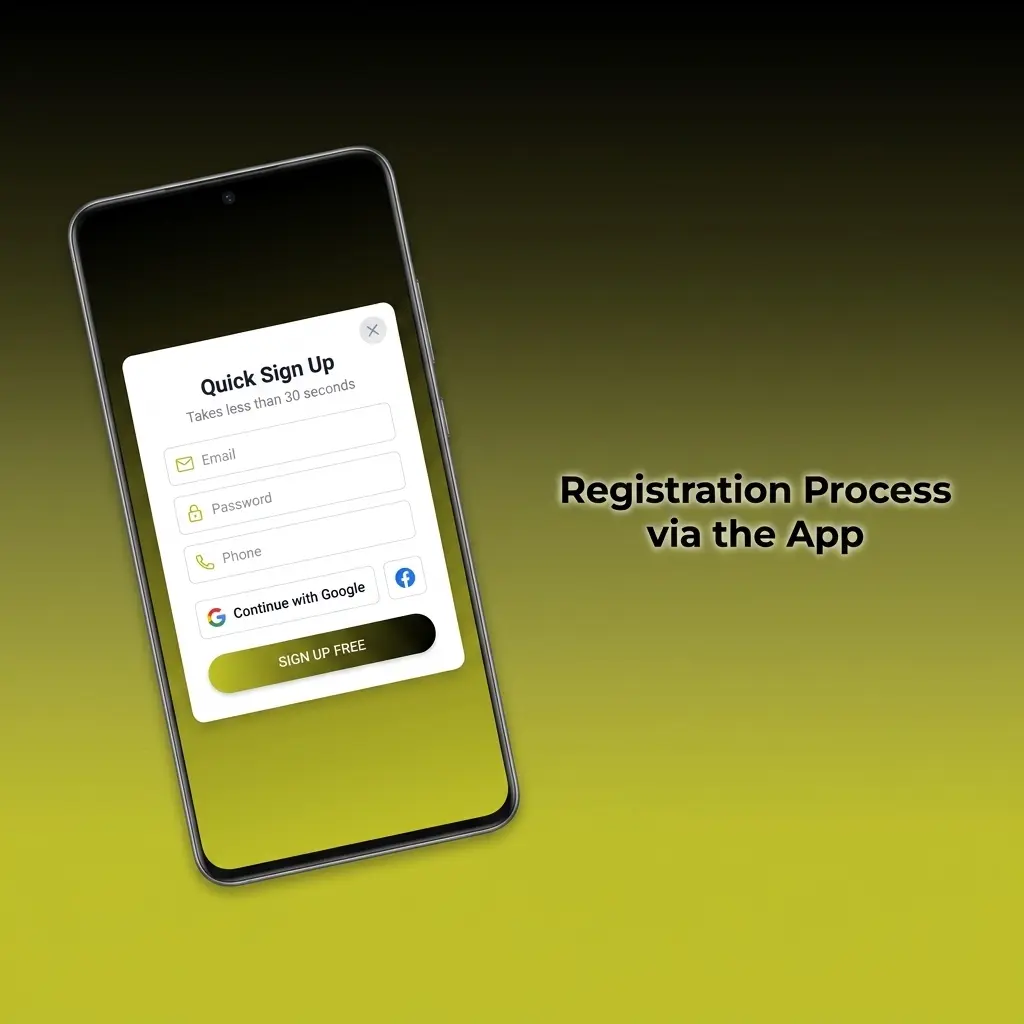
Registration Process via the App
Creating a McLuck account through the app takes under three minutes. Follow the steps below to complete registration and claim your welcome bonus.
- Tap “Sign Up” on the McLuck app home screen to open the registration form.
- Enter your email address and create a secure password for your account.
- Provide your full legal name, date of birth, and US state of residence to verify eligibility.
- Accept the Terms and Conditions, confirm you are 18 years of age or older, and submit your registration.
- Check your email for a verification link, click it to confirm your account, and log in to claim your GC 7,500 + FREE SC 2.5 welcome bonus.
Bonuses for Mobile Players
All McLuck bonuses are fully accessible through the mobile app. New players receive GC 7,500 + FREE SC 2.5 on registration, with no deposit required to claim. Daily login bonuses, time-limited promotions, and purchase-based Gold Coin offers appear directly in the app under the Promotions tab. Sweeps Coins earned through bonuses can be redeemed for real prizes, making every promotional offer carry tangible value. App users receive the same full bonus catalog as desktop players, with no features locked behind the web version.

Welcome Bonus
McLuck awards every new player GC 7,500 + FREE SC 2.5 upon completing free registration. No purchase or deposit is required to receive this offer. The Gold Coins (GC) are for social play across casino slots and table games, and the Sweeps Coins (SC) can be used on eligible games and redeemed for real prizes once wagering conditions are met.
Daily Login Bonus
McLuck rewards players with free Gold Coins for logging into their account each day. The daily bonus amount varies and resets every 24 hours. No purchase is required, and the coins are credited automatically upon login, making this a consistent source of free play for active users.
Gold Coin Packages with Bonus Sweeps Coins
When you purchase Gold Coin packages on McLuck, each package includes bonus Sweeps Coins at no extra cost. Package sizes and SC bonuses vary, with offers updated regularly in the app’s Store section. Sweeps Coins acquired through purchases carry the same redemption eligibility as those earned through free play bonuses.
Promotional Offers and Limited-Time Events
McLuck runs time-limited promotional events tied to holidays, sporting events, and new game launches. These promotions typically award additional Gold Coins or Sweeps Coins and are available exclusively to registered players. Active promotions appear in the Promotions tab inside the app and are updated on an ongoing basis.
How to Update the McLuck App to the Latest Version
For Android users, updating the McLuck APK requires downloading the latest version directly from this page. Open the new APK file once downloaded and tap Install. Your Android device will automatically overwrite the existing version while preserving your account data and settings. For iOS users on the PWA, no manual update is needed. Safari automatically loads the latest version of the McLuck PWA each time you launch it from your home screen. Keeping the app current ensures access to the latest game releases, security patches, and performance improvements.
Keep the McLuck App Up to Date
Running an outdated version of the McLuck application can affect both performance and security. Updates deliver bug fixes that resolve crashes, freezes, and payment processing errors that older versions may encounter. New game titles and sportsbook markets are only accessible after updating, so players on older builds miss out on content available to everyone else. Security patches included in each update protect your account credentials and payment information from emerging vulnerabilities. UI improvements rolled out in updates also make navigation faster and more intuitive across both casino and sportsbook sections.
How to Place a Bet on McLuck
Placing a bet on McLuck takes four straightforward steps through the app.
Step 1: Open the Sportsbook Tab
Log in to your McLuck account and tap the Sportsbook section from the bottom navigation menu.
Step 2: Select Your Sport and Market
Browse available sports including NFL, NBA, MLB, NHL, UFC, and soccer. Tap your preferred event and select a market such as moneyline, spread, totals, or a prop bet.
Step 3: Add Selections to Your Bet Slip
Tap the odds for your chosen selection. It will appear automatically on your bet slip. Add multiple selections to build a parlay if preferred.
Step 4: Set Your Stake and Confirm
Enter your coin stake on the bet slip and tap "Place Bet" to confirm. Your remaining balance updates immediately after confirmation.
How to Delete the McLuck App
On Android, press and hold the McLuck app icon on your home screen or app drawer, then select “Uninstall” and confirm. On iOS, press and hold the McLuck PWA icon on your home screen, tap “Remove App,” and select “Delete Bookmark” to remove it. Deleting the app does not close your account. Your balance and account data remain intact, and you can reinstall or re-add the PWA at any time by following the original download steps.
How to Log In via the McLuck App
Step 1: Open the McLuck App
Tap the McLuck icon on your Android home screen or iOS home screen to launch the app.
Step 2: Tap “Log In”
Tap the “Log In” button on the app’s welcome screen to open the login form.
Step 3: Enter Your Credentials
Type your registered email address and password into the provided fields.
Step 4: Confirm and Access Your Account
Tap “Log In” to authenticate. Your account dashboard, balance, and all app features load immediately after successful login.
Step 5: Use Biometric Login (Optional)
If your device supports fingerprint or Face ID authentication, enable it in the app’s security settings for faster access on future visits.
McLuck App Features
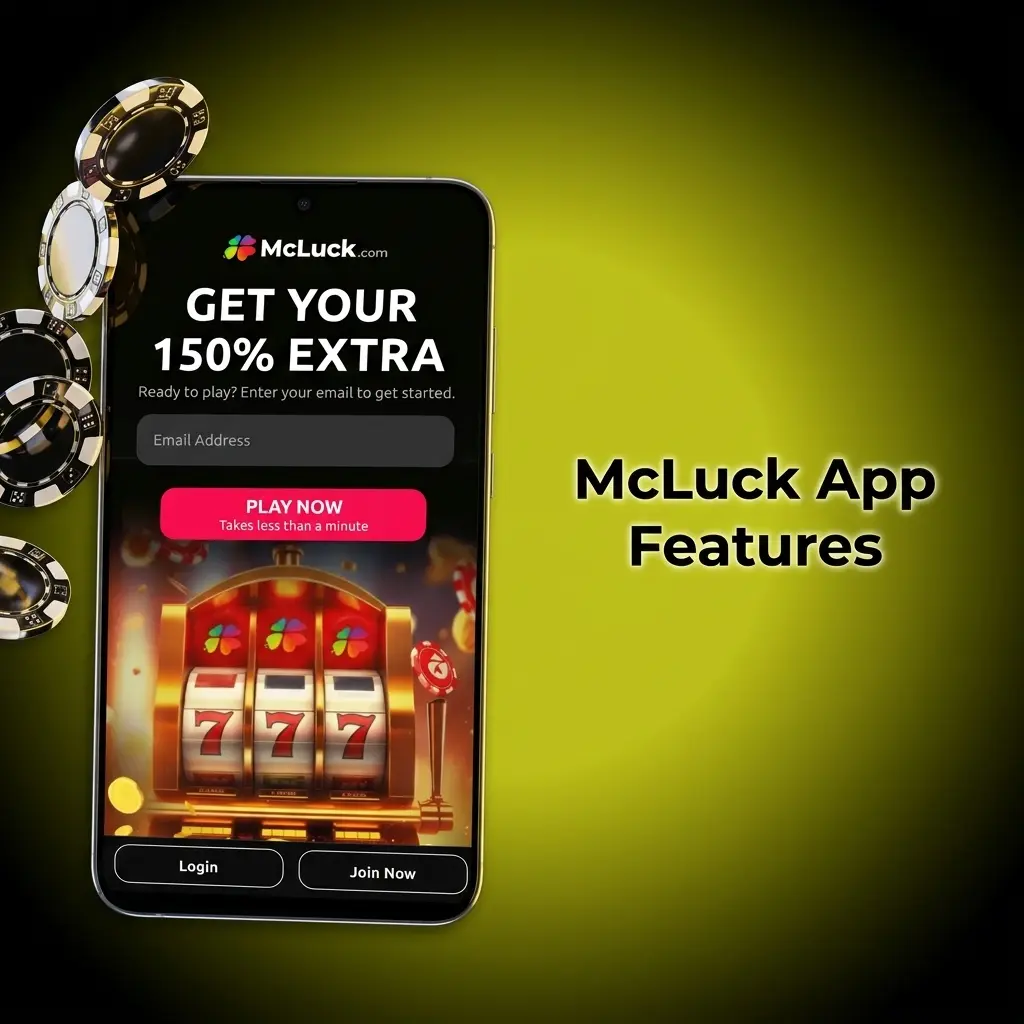
The McLuck application covers casino gaming and sports betting within a single, cohesive mobile platform. Casino players get access to hundreds of slots and live dealer tables, with new titles added regularly from providers including Pragmatic Play and Hacksaw Gaming. The sportsbook section covers major US leagues including NFL, NBA, MLB, and NHL, with moneyline, spread, totals, and parlay bet types all available. Deposits and withdrawals are processed through multiple US-compatible methods, with Sweeps Coin redemptions handled via ACH bank transfer and other supported options. Player accounts include full transaction history, balance tracking across both Gold Coins and Sweeps Coins, and personal detail management. Push notifications keep you informed of promotions, match starts, and bet outcomes.
Live Betting Features
McLuck’s sportsbook includes live betting on active events across major US sports markets. In-play markets update continuously as game situations change, covering sports including NFL, NBA, MLB, NHL, and UFC. Odds refresh at competitive intervals, giving you the ability to place bets on evolving game situations. The live betting interface displays current scores, time elapsed, and available markets in a single consolidated view. Markets available in-play include moneyline, totals, and select prop bets depending on the sport. Live streaming is not currently offered within the McLuck app, but the live betting module is accessible without it. The interface is fully touch-optimized, with large tap targets for odds selection and a persistent bet slip.
Casino Games Features
McLuck offers hundreds of casino games across slots, table games, and live dealer categories. Slots from providers including Pragmatic Play, Hacksaw Gaming, and other major studios are available within the app. Game tiles load quickly on both Android and iOS, with most titles launching in under five seconds on a standard 4G connection. Live dealer tables including blackjack, roulette, and baccarat are accessible directly through the Casino section. Gold Coins and Sweeps Coins are both supported across eligible game types, with SC-eligible games clearly labeled. The game library is filterable by category, provider, and popularity, making it straightforward to find specific titles. New games are added on a regular basis and appear under a dedicated “New” filter in the lobby.
Deposit Features
McLuck accepts coin package purchases through multiple payment methods available to US players. Transactions are secured with SSL encryption, and payment details are never stored on-device. Processing times for approved transactions are typically near-instant for card purchases.
| Detail | Info |
|---|---|
| Available Payment Methods | Credit/Debit Cards (Visa, Mastercard), online banking |
| Minimum Purchase | Varies by package |
| Maximum Purchase | Subject to account limits |
| Transaction Security | SSL encryption, PCI-compliant processing |
| Processing Time | Near-instant for card transactions |
Withdrawal Features
Sweeps Coins can be redeemed for real prizes through McLuck’s redemption process. Players must accumulate a minimum of SC 50 before submitting a redemption request. Identity verification is required before the first redemption is processed. Redemption requests are reviewed and processed within a standard timeframe following approval.
| Detail | Info |
|---|---|
| Available Redemption Methods | ACH Bank Transfer, other supported options |
| Minimum Redemption | SC 50 |
| Maximum Redemption | Subject to account verification level |
| Transaction Security | Identity verification required; SSL encrypted |
| Processing Time | Varies; typically processed within a few business days after verification |
User Profile Features
Your McLuck account profile is accessible at any time through the app’s account menu. The profile section displays your current Gold Coin and Sweeps Coin balances in a single consolidated view. Full transaction history, including purchases, game activity, and redemptions, is available and filterable by date. Personal details such as your registered name, email address, and phone number can be reviewed and updated through the account settings panel. KYC document uploads for identity verification are also managed within the profile section. Notification preferences are configurable per category directly from the account settings screen. Account security options including password changes are accessible without leaving the app.
Notification Features
McLuck sends push notifications to keep you informed of account activity, promotional offers, and sportsbook events. Notification types include new bonus availability, daily login reminders, bet result updates, and promotional campaign alerts. Push notifications are opt-in and can be managed at both the device level and within the app’s notification settings. Customization options allow you to enable or disable specific notification categories without turning off all alerts. Delivery reliability is dependent on your device’s network connection and background app permissions. Enabling notifications ensures you do not miss time-sensitive offers or in-play betting opportunities. Notification settings are accessible through the Account menu in the app at any time.
McLuck App Security Protocols
McLuck secures all data transmissions using 256-bit SSL encryption, the same standard used by major US financial institutions. Player account data is stored on servers compliant with industry data protection frameworks. Login sessions are protected by session tokens that expire automatically after a period of inactivity. Payment processing is handled through PCI-DSS-compliant gateways, ensuring card and bank data are never stored on McLuck’s servers directly. Identity verification (KYC) is mandatory before any Sweep Coin redemption, adding a fraud prevention layer to the withdrawal process. Two-factor authentication is available as an additional login security option, sending a verification code to your registered email. McLuck’s compliance team monitors accounts for unusual activity patterns and may request additional verification if suspicious behavior is detected.
McLuck App Device Permissions
The McLuck application requests a limited set of device permissions, each tied to a specific functional purpose. Internet access is required to load games, connect to sportsbook markets, and process account transactions in live time. Storage permission is requested on Android devices to save the APK installation file and support app caching for faster load times. Notification permission enables push alerts for bonuses, bet results, and promotions; this permission is entirely optional and can be declined or revoked at any time through your device settings. Camera permission may be requested if you choose to upload identity verification documents directly through the app’s KYC process. Biometric authentication (fingerprint or Face ID) is an optional permission available on supported devices, used solely to speed up the login process. No microphone or contact list access is requested by the McLuck application at any point. All requested permissions are reviewable and adjustable through your Android or iOS device settings menu.
FAQ
Is the McLuck app legal in the United States?
McLuck operates under US sweepstakes law and is available in 49 states. Washington State is the only excluded jurisdiction. No real-money gambling license is required because McLuck uses a dual-currency model with Gold Coins and Sweeps Coins.
Is the McLuck app free to download?
Yes. Both the Android APK and the iOS PWA are free to download and install. No purchase is required to register or claim the welcome bonus of GC 7,500 + FREE SC 2.5.
Is the McLuck APK safe to install on Android?
The APK is distributed exclusively through the official McLuck website. It is verified and free from third-party modifications. Always download the APK only from this page to ensure you receive the legitimate version.
Does the app support both casino and sportsbook in one place?
Yes. A single McLuck account gives you access to both the casino lobby and the sportsbook within the same app. You do not need separate accounts or downloads for each section.
How long does it take to redeem Sweeps Coins for real prizes?
You must accumulate a minimum of SC 50 before submitting a redemption request. Identity verification is required before the first redemption is approved. Processing time varies and typically completes within a few business days following approval.
Can I use the same account on both Android and iOS?
Yes. Your McLuck account is platform-independent. Log in using your registered credentials on any supported Android or iOS device and your balance, transaction history, and settings carry over automatically.
Does the iOS version offer the same features as Android?
McLuck’s iOS PWA delivers the same casino and sportsbook content as the Android APK. Both versions access the same game library, bonus catalog, and account management tools. No features are restricted to one platform only.
How do I contact McLuck support if I have an issue with the app?
McLuck offers 24/7 customer support via live chat and email. The live chat option is accessible directly through the app by navigating to the Help or Support section in the account menu.
Updated: